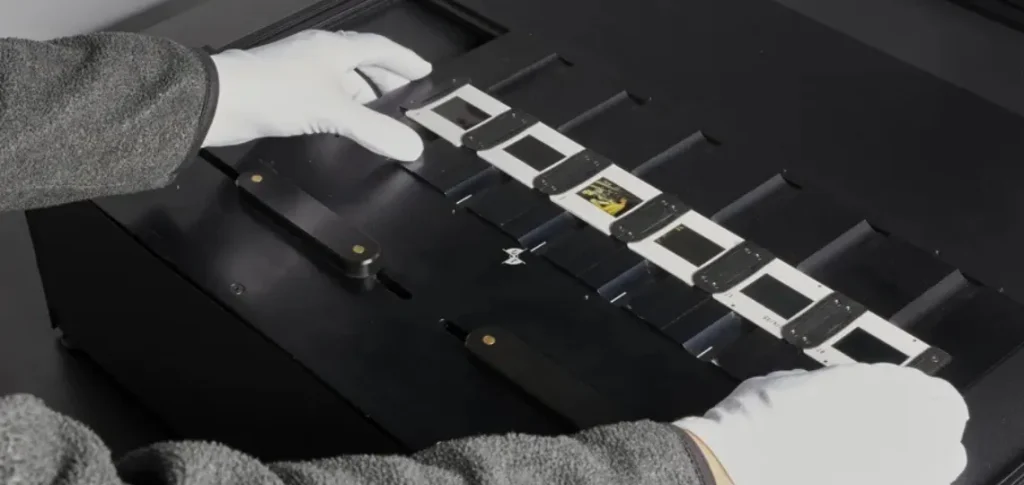


TIFFs are high-resolution images preferred for preservation. JPEGs and JPEG-2000s champion the patron’s access copy, and PDFs serve a space in between. Here’s a quick guide to the image file formats that Backstage provides with every digitization project.
Successful digitization projects rely on pre-planning.
- Step one: knowing your collection and potentially rearranging it to maximize digitization efficiencies.
- Step two: developing a plan for how you will approach metadata with your end goal and Digital Asset Management (DAM) tool’s functions in mind.
To step two, let’s add deciding what derivative files you’ll need. “Derivatives” refers to the files created when you digitize. You are usually going to run into the following: TIFFs, JPEGs, JPEG-2000s, and PDFs.
TIFFs, the Archival Format
Large and lossless, TIFFs are a flexible high-resolution file format that is favored for archiving. It stands for Tagged Image File Format and it’s able to, as the name implies, have some tagging and metadata embedded into the file. TIFFs tend to be very large; they are held in reserve, stored in a repository (or several, more preferably) where their fixity is checked regularly. Other, smaller files take the lead on providing access to patrons.
Remember: Digital files on their own are not a preservation solution. When we say “multiple repositories” we mean saving the materials to more than one type of media: SSD, HDD, tape, etc., and storing these in different physical locations. Fixity is monitored on a regular schedule using a checksum algorithm whose values are compared with the files’ originals at ingest. Backups should be employed in the event that any file requires restoration through fixity failures, malware encryption, or accidental deletions—and, on that note, restricting access to archival TIFFs is another great way to protect them.
JPEGS and JPEG-2000s, the Access Image
The size of JPEGs and their more modern counterpart, the JPEG-2000, make these two file types a better fit for patron access through a DAM. Where TIFFs are typically the largest file type, JPEGs are the smallest. Though their image loss is too great for archiving, the compression is perfectly accessible for viewing and reading the content. These files can also contain more descriptive metadata than TIFFs, allowing for the addition of XMP Dublin Core.
What’s the difference between JPEGS and JPEG-2000s? The later, when constructed correctly, makes for a far superior access image, more faithfully deriving image details from their TIFF counterparts than a classic JPEG. They also take the descriptive metadata possibilities up a notch with the addition of XML boxes. That said, JPEGS have come a long way; some files do not suffer pixelation until you’re zoomed in very far. Which one you use may depend on your DAM.
PDFs, Machine Readable and Bindable
Incredibly versatile, PDFs, be they bound or single-page, can be used as access images when there are no JPEGS. If you have a built-in page-turning software, this will utilize your PDFs. They have the same embedded metadata capacity as other derivatives. While PDFs can’t be considered a preservation medium on their own, it’s worth noting that they are often used as the preferred download and/or print version of born-digital content.
Picking the Right Format
The decision making here hinges on what purpose your digital files will fulfill.
- Are you just trying to create a preservation copy from your materials? TIFFs paired with regular fixity checks on multiple devices will serve the role.
- Are you planning on making the files accessible to patrons? Be sure you know how your DAM interacts with different file types. It could be that JPEGs or PDFs, or both, will be the best fit.
At Backstage, all of the file types described here are included in your delivery, free of charge. This helps give your collection the most flexibility. Have other questions about digitization? Reach out to us at 1.800.288.1265 or send an email to info@bslw.com.