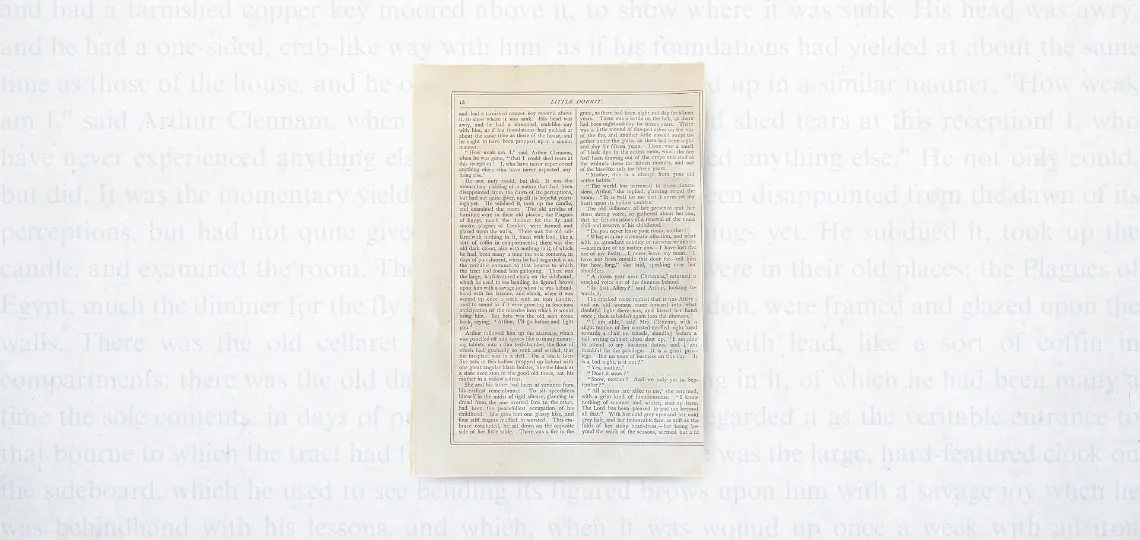
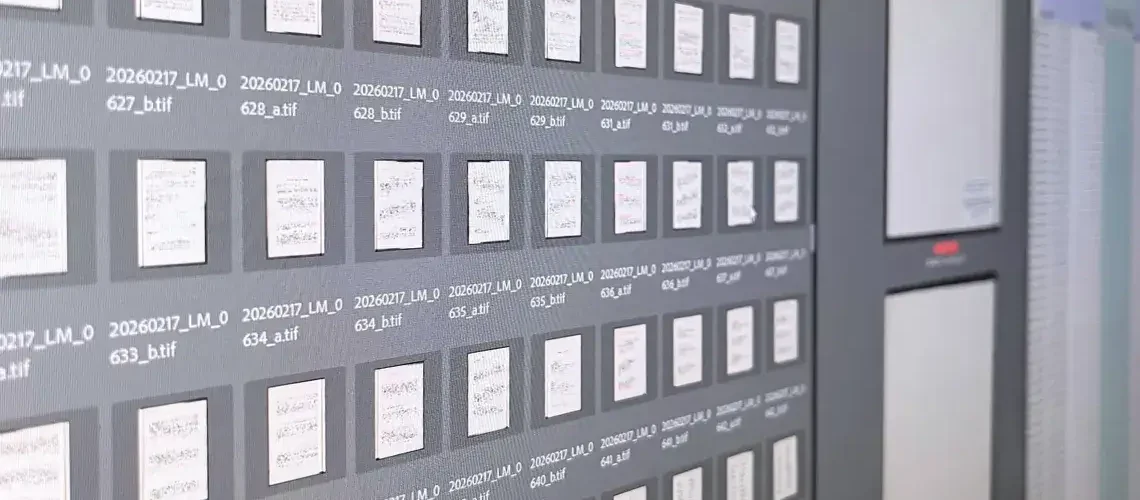

In this blog, we’ll outline some high-level aspects of digital metadata. It can be stored inside or outside of an image and consists of several different attributes; you’ve probably heard of administrative, descriptive, structural, and technical metadata, for example. We use it in file names and use it to enrich Digital Asset Managers (DAMs). What you collect will depend on your end goal for the project.
What is digital metadata and how is it stored?
We know that metadata is “data about data.” It exists to provide description and access, compiling multiple informational points by which someone can locate the resources they’re looking for.
Metadata can be stored internally and/or externally—although most objects will have some technical metadata baked into it, such as when it was created and the bit depth. TIFF and PDF, for example, are file types able to support different forms of metadata within their directory. Anything that stays with the object and is viewable within the object’s property is internal metadata. Any metadata that exists outside of that object, like CSVs or spreadsheets, is external.
One of the first places we use collected metadata is in file naming which can include information like the title of the work, the year it was published, the day (such as with newspapers), and a sequential page counter. In unbound works stored in boxes and folders, we’d likely collect the box and folder numbers as a means of ordering the contents and making them intuitive to access. Deeper descriptive content or OCR data can typically be utilized by asset management tools.
What information is collected?
When referring to a digital image, we’d consider including, among many possibilities, things like the date the original object was created; the date the digital object was created. How the object should be titled and described, who created the object. We’d also consider creating access points to the data contained in the image itself. These data elements are collected from mastheads, book covers, title pages, document housing, inventories, and/or external metadata sheets as necessary. Sometimes metadata is developed according to a controlled vocabulary of terms or through subject analysis of the documents’ contents.
Digital metadata is defined by several archetypes: administrative, descriptive, structural, and technical, broadly speaking.
- Administrative metadata is used to manage your resources, often including information regarding rights and use, policy statements, etc.
- Descriptive metadata provides details about the original object itself. What is it about? Who created it and when?
- Structural metadata describes how resources relate to one another, which makes navigating the images more intuitive. File naming is one of the starting points of great structural metadata.
- Technical metadata provides details about the nature of the digital image, its format and the software/equipment used to create it, in contrast to the focus that descriptive metadata pays to the original object.
When you start looking into the information you’ll collect, you might notice an overlap where data used to fulfill a descriptive element, for example, can also be used to describe something structural.
Is there a standard that should be followed?
The FADGI guidelines are our principal guidepost for how to conduct archival-grade digitization, and it’s important to note that FADGI approaches metadata more as a conversation than series of recommendations. What does it define? What are our baseline considerations regarding the types of metadata that need to be collected, according to the current Third Edition?
- Deviations from ordinary imaging procedures that alter the picture’s appearance when compared to the original should be noted, such as colorizing, stitching, excessive cropping, etc.
- Dublin Core is recommended for the collection of descriptive metadata and some of that information will likely accompany the structural and technical metadata as well.
- File names should be unique, consistent, and well-defined. Always use leading 0’s when using numerical counters and keep the format simple.
- Metadata needs quality review. Doing so throughout the process can help mitigate systemic errors in the workflow, and intermittent review of the technical metadata long after digitization is complete is necessary to maintain the preservation of your information. Bit loss, or data decay, can happen any time a file undergoes a change or is processed through a program. It also occurs as the file ages unless it receives ongoing maintenance. Backstage uses JHOVE to make sure files are well-formed and valid before sending them to the client.
What schemas are out there?
- Dublin Core is a set of 15 simple metadata elements, with 55 additional qualified fields, that define a digital object. The simple element set merges perfectly into a TIFF; the qualified fields do not, but they can be collected and ingested into DAMs through a sidecar file.
- MODS, the Metadata Object Description Schema, is an XML schema that serves several purposes across a few industries. It’s an alternative to Dublin Core that can be incorporated inside a METS file.
- METS is an XML schema that reports to a DAM everything there is to know about your digital collection, with one METS file for each item. It will explain how your descriptive and other metadata, be it Dublin Core, MARC, or MODS, fit into the asset. It can also carry out “checksum” actions to monitor for degradation. Combining METS and ALTO files allows for article level segmentation. This is a great utility for researching digitized newspapers.
ExifTool is free, created by Phil Harvey and used to write collected metadata into objects. It can read all metadata and most, if not all, file types making it your programming Swiss army knife. It’s the preferred program used by Backstage’s programmers because it is safest in terms of digital preservation and writing to archival tiffs.
How to decide the best fit for your collection?
The biggest reason why the FADGI guidelines do not define a rigid list of necessary preservation metadata elements is that one workflow will not fit every project. The rules your institution develops for a given collection are going to depend on what the intended purpose of the content will be. Are you putting it into a DAM? Does the DAM or the hosting institution have requirements for how the metadata is collected, used, and monitored for quality past the FADGI guidelines (or in exception to)? Will it be used by an internal audience or are the files being hosted for public use? Are the files just being dumped into storage? Based on that answer: is the metadata best recorded internally or externally?
Determine the metadata that you’re going to collect and how it will be used prior to starting a project. “The functional purpose of metadata often determines the amount of metadata that is needed,” advises the FADGI guidelines. Chapter 8.5 provides a great series of questions you should ask while you plan what to collect.
Have a digitization project coming up? We’re always happy to help with project planning. Reach out to us at 1.800.288.1265 or send an email to info@bslw.com.